E-commerce
Product Hook UGC
Create a 9:16 AI UGC video generator ad for a skincare product. Open with a creator-style hook, show the product in hand, explain one key benefit, and end with a clear TikTok-style call to action.

Create UGC-style product videos and social ads from prompts, references, and campaign ideas.
Hover any idea to preview the motion, then use the AI UGC video generator above to build your own creator-style ad.
Create a 9:16 AI UGC video generator ad for a skincare product. Open with a creator-style hook, show the product in hand, explain one key benefit, and end with a clear TikTok-style call to action.
Create a short problem-solution ad that starts with a relatable pain point, introduces the product as the fix, and uses fast creator-style cuts.
Generate a creator-style video for a SaaS app. A friendly presenter explains the pain point, shows quick screen-style moments, and invites users to try the product today.
Generate a local service review with a creator-style video workflow. A creator describes the service experience, highlights trust signals, and encourages viewers to book a consultation.
Create a creator-led fashion try-on video from product references. Make the scene feel natural, energetic, and social-first, with quick outfit reactions and a clear shopping cue.
Create a founder-led product story. The speaker explains why the product was built, names the customer pain point, and ends with a warm invitation to try it.
Make a UGC-style unboxing testimonial. The creator opens the package, reacts with surprise, mentions two benefits, and closes with a limited-time offer.
Generate a before-and-after creator-style video. Start with the frustrating old way, transition to the product, and show a clear visual improvement with a direct call to action.
Use the AI UGC video generator to turn one product brief into brand ads, lifelike avatar explainers, fashion-ready social clips, and localized campaign videos without reshooting every variation.
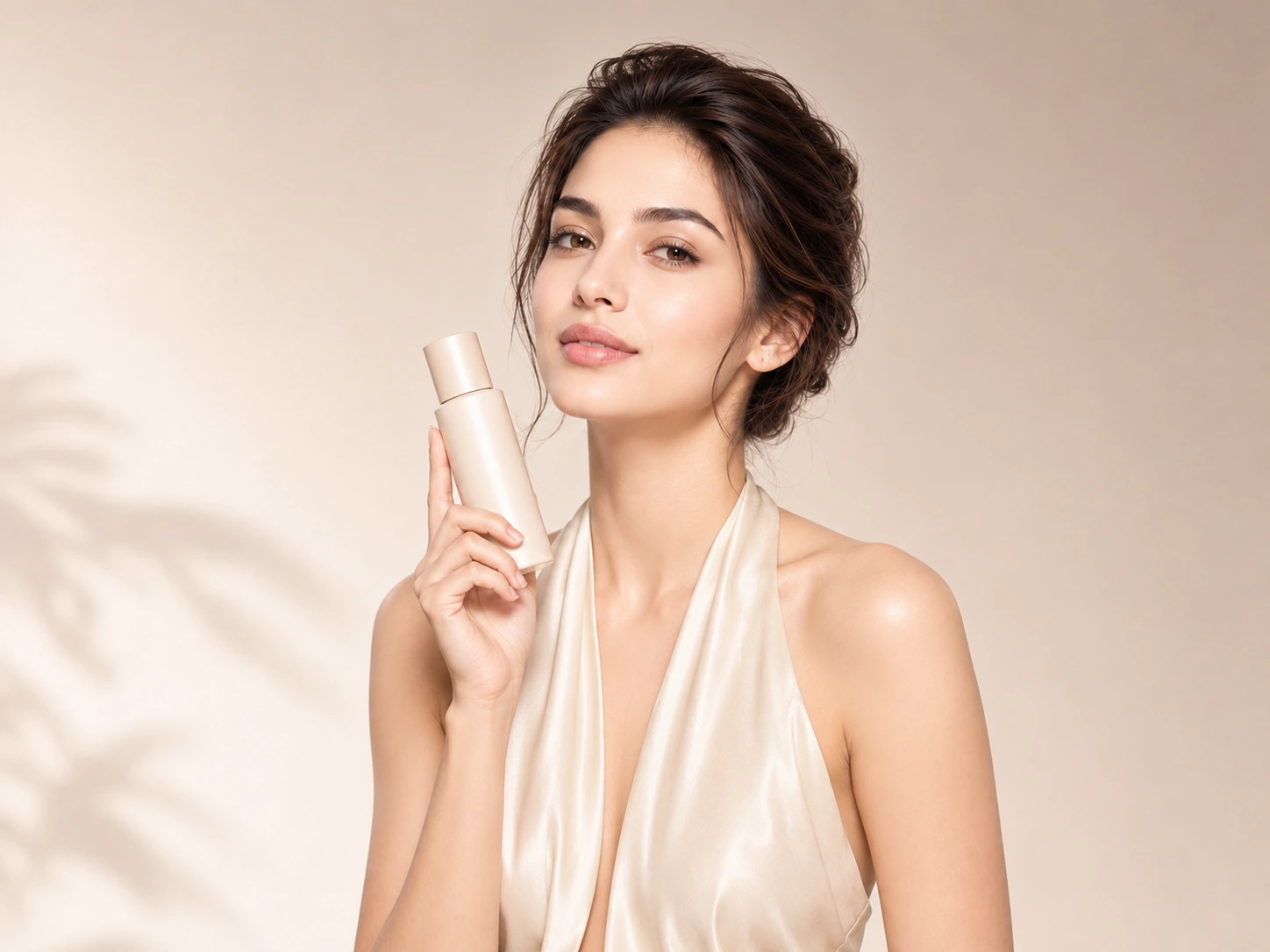
Launch product stories, seasonal offers, and paid social tests without waiting for a new creator shoot. The AI UGC video generator lets you upload product assets, write the campaign angle, and create ad variations that feel closer to organic creator content than polished studio spots.
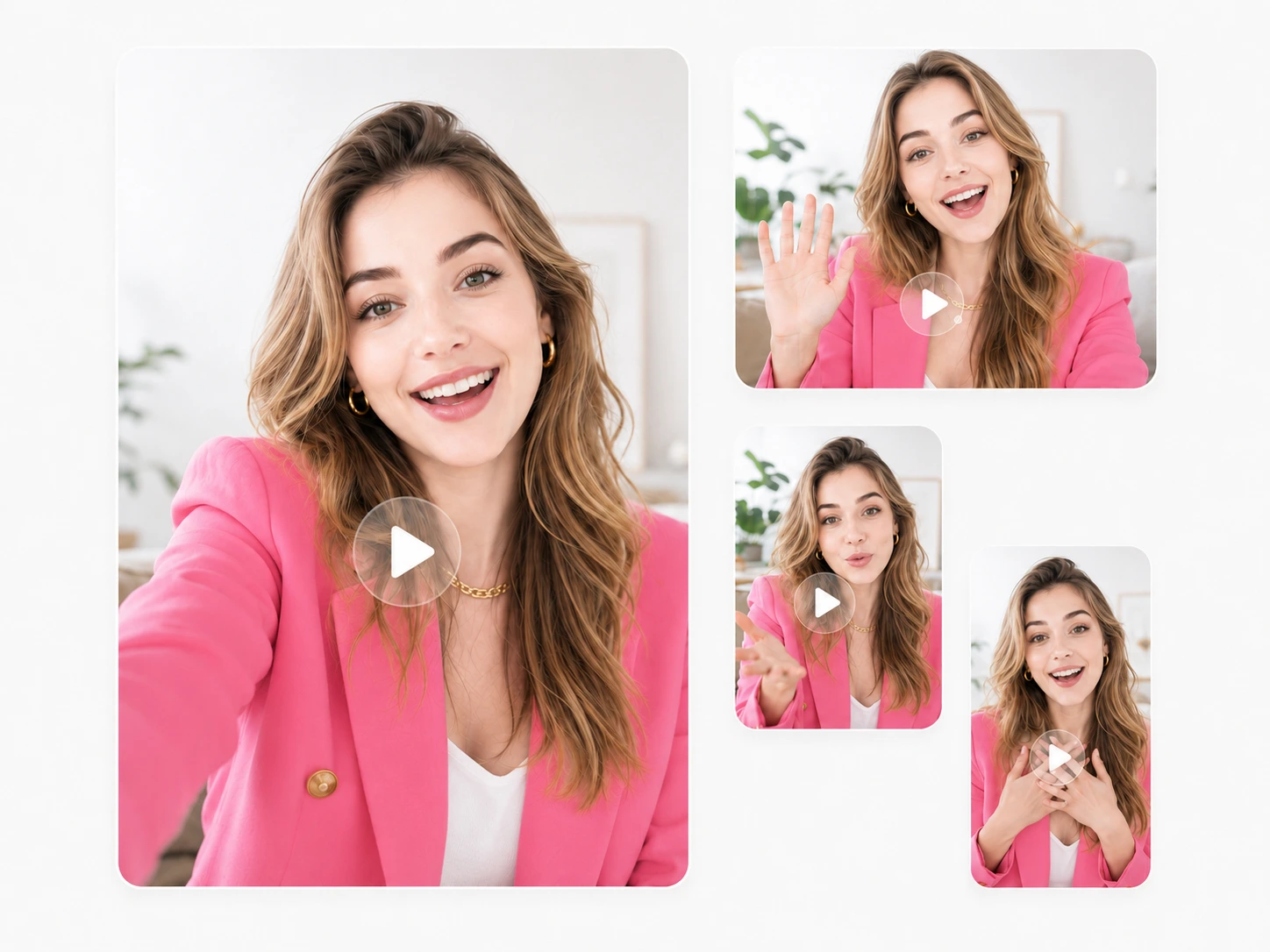
Build presenter-style videos with expressive AI avatars that can introduce a product, explain a benefit, or guide viewers through a short offer. The AI UGC video generator helps when your brand needs a natural virtual spokesperson without booking talent for every new message or market.
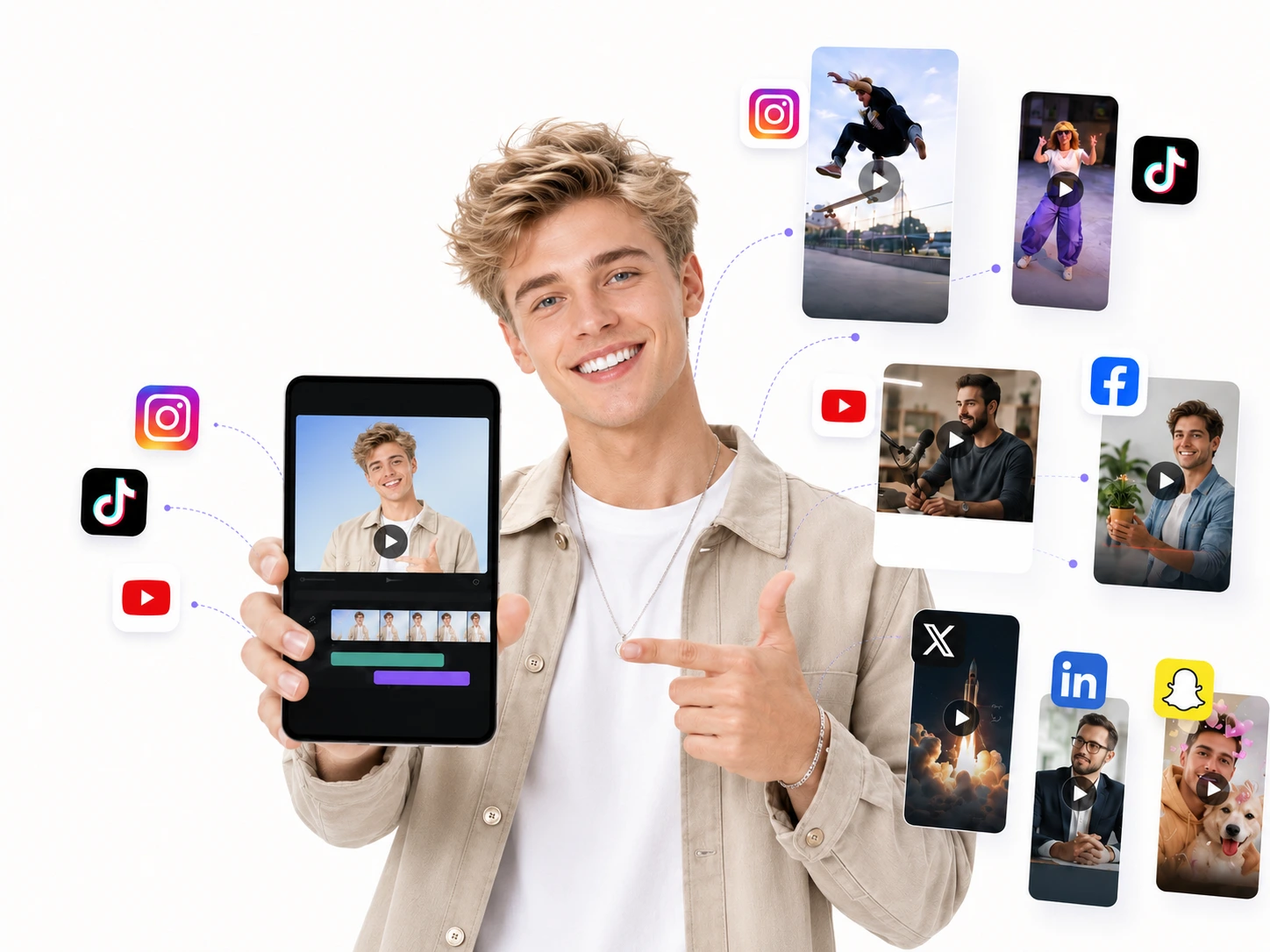
Turn outfit ideas, beauty products, accessories, or lifestyle angles into vertical videos made for TikTok, Reels, Shorts, and fashion communities. Use the AI UGC video generator to create try-on stories, creator reactions, product close-ups, and quick trend-led clips while the trend is still fresh.
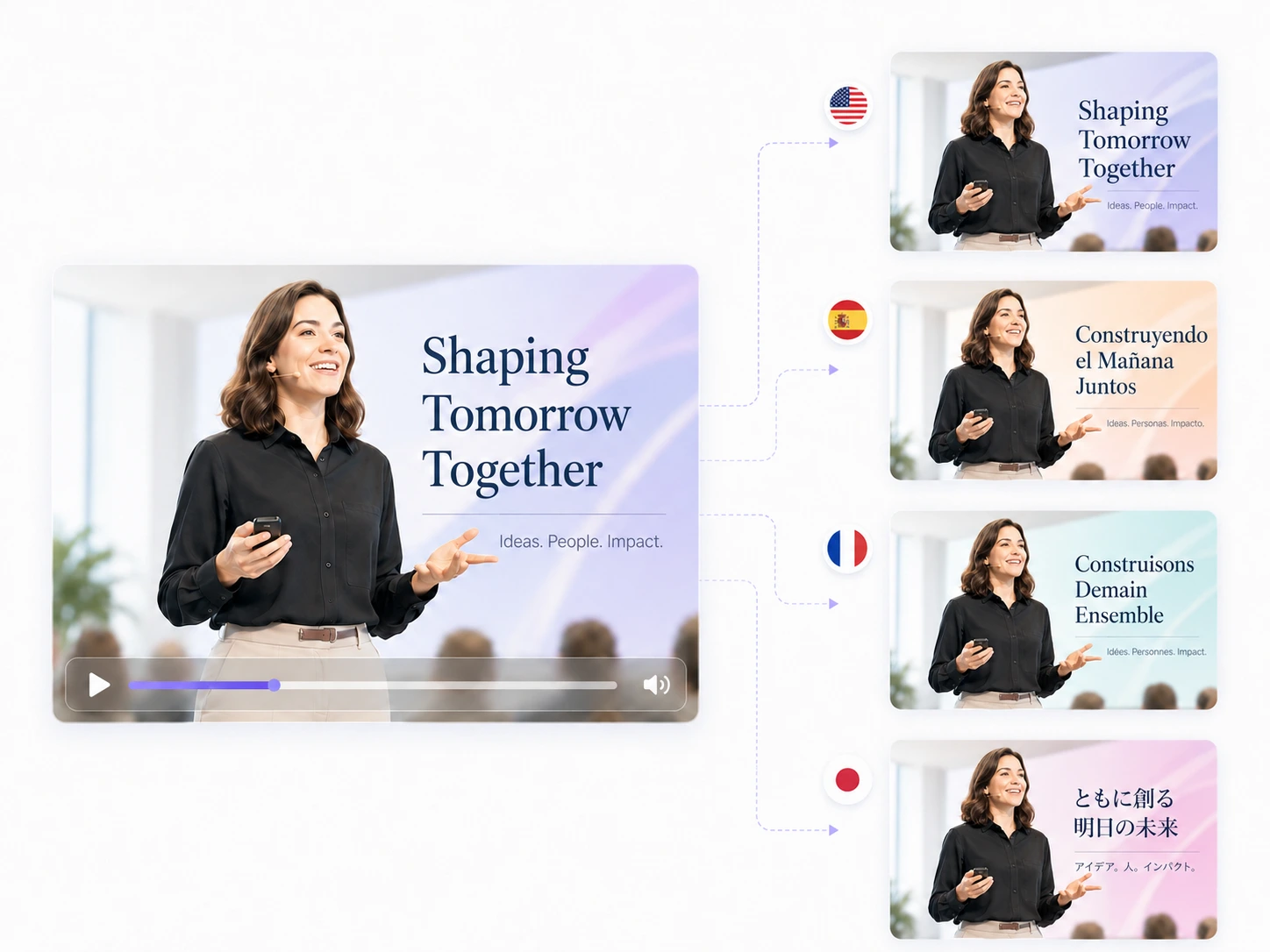
Localize event announcements, launch videos, and limited-time promotions for different regions without rebuilding the whole production. The AI UGC video generator can create language-specific versions from the same core brief, then adapt hooks, tone, and calls to action for each audience.
The AI UGC video generator workflow is built for teams that need more creative angles, faster revisions, and reusable ad systems.
Traditional UGC production often means hiring creators, coordinating assets, and waiting through revision rounds. As an AI UGC video generator, Vezur AI helps you create more early-stage ad variations from prompts and product references, so your team can find promising angles before committing budget to a larger shoot.
Speed matters in performance marketing. Instead of waiting days for every new brief, your team can use the AI UGC video generator to turn a prompt, a product image, and a format choice into a creator-style draft in minutes. Launch tests faster, respond to trends sooner, and keep creative production moving.
Need more hooks, scripts, and platform versions for testing? A single marketer can use the AI UGC video generator to produce multiple ad concepts from the same brief, then hand the strongest directions to the rest of the team. Build a deeper ad library without turning every variation into a separate production request.
Start from text prompts, product photos, and reference frames instead of cameras, lighting, teleprompters, and release forms. The AI UGC video generator lets anyone on your team draft professional-looking UGC-style ads without video production experience.
When a hook does not convert, change the prompt in the composer and create a new variation in minutes. Test different openings, CTAs, product angles, and storytelling formats without reshooting. Fast iteration helps growth teams learn what message is worth scaling.
When a UGC ad angle performs well, save the prompt structure and reuse it for the next product launch or seasonal campaign. The AI UGC video generator keeps your winning prompt logic, model settings, aspect ratios, and reference styles organized so your team builds on proven creative systems instead of starting from zero every time.
A simple repeatable process for using an AI UGC video generator, from brief to references, generation settings, and reusable campaign variations.
Start in the AI UGC video generator with a proven inspiration format or write your own campaign brief, product angle, hook, and call to action.
Add product images, reference frames, screen captures, or other brand assets so the model has clear visual context.
Choose the AI video model, aspect ratio, reference mode, and duration directly in the generation workspace.
Create social-ready UGC video concepts, review the result, then reuse winning prompts and settings for the next ad variation.
Practical answers for marketers, founders, and creative teams evaluating AI-generated UGC video workflows.
You can use Vezur AI as an AI UGC video generator for creator-style product videos, paid social ad drafts, app demos, unboxing concepts, before-and-after clips, and short presenter videos from prompts and reference assets. The workflow is built for teams that need more video angles before choosing what to polish or scale. It is useful for quick concept testing before a larger paid social push or creator shoot.
A short brief is enough to begin. The AI UGC video generator works best when you bring a product image, a landing page screenshot, a reference frame, or a rough script. You can also start from one of the inspiration formats and adapt the hook, audience, benefit, and call to action.
The AI UGC video generator is designed to create social-native drafts with realistic pacing, hooks, framing, and presenter-style delivery. Results still depend on the model, prompt, and reference quality, so important brand, legal, and product details should be reviewed before you publish.
Yes. You can browse formats and use starter credits to test the composer before choosing a paid plan. Paid plans are better suited for larger batches, faster iteration, watermark-free exports, and commercial workflows.
UGC-style video ads work well for product hooks, unboxing testimonials, before-and-after comparisons, founder stories, app demos, fashion try-ons, and problem-solution angles. Start with one message per video, then create variations for different audiences or offers.
No. The composer is designed for marketers, founders, and small teams that may not have a dedicated editor. You describe the scene, upload optional references, choose a format, and review the generated result. You can still export promising drafts into your normal editing workflow.
Vezur AI supports common social video ratios, including 9:16 vertical videos for TikTok, Instagram Reels, and YouTube Shorts, 16:9 landscape videos for YouTube and Facebook, and 1:1 square videos for feeds. You can switch ratios in the composer without rebuilding the campaign from scratch.
A regular editor is best when you already have footage and need frame-level control. The AI-generated UGC workflow is for creating new creator-style drafts from prompts and references. It is better for speed, concept testing, and variation, not for detailed post-production work.
Yes. You can write prompts in different languages and create localized UGC-style ads for international markets. For best results, adapt the hook, tone, and offer to each region instead of translating the same script word for word.
It depends on your plan, model choice, and available credits. Starter usage is enough for testing the workflow, while paid plans give you more room for batches, campaign variations, and higher-priority generation.
Yes, eligible outputs can be used for paid social ads on TikTok, Meta, YouTube, and other platforms according to your plan and our terms. Many e-commerce brands use Vezur AI specifically to produce ad creatives at scale for performance marketing campaigns.
Use a specific product, one audience, one promise, and one call to action. Upload a clear reference image when visual accuracy matters, choose the right aspect ratio for the channel, and click Generate. If the first result is close but not right, adjust the hook, pacing, or camera direction and run another version.